
Introduction
Once an order is placed, the customer’s biggest question is simple: where is my package? If they cannot find the answer quickly, they call support, raise a ticket, or worse, refuse the delivery because they were not home when the courier arrived.
Shipping and delivery SMS answers that question before it is asked. Because SMS works on every phone, with or without data, it is the most dependable way to keep buyers in metros and smaller towns alike informed from checkout to doorstep. Here is how to set it up step by step.
Register on DLT First
Before sending a single message, register your business entity on a DLT platform, then add your sender IDs and message templates. Order and delivery updates are service messages, so mark them correctly. Use variables for order numbers, dates, and tracking links so one approved template covers thousands of orders.
Map the Delivery Journey
List every stage a customer cares about: order confirmed, packed, shipped, out for delivery, delivered, and any exceptions like delays, failed attempts, or returns. Decide which stages deserve a message. Too few leaves customers guessing; too many becomes noise.
Write Short, Useful Messages
Lead with what matters: the order number, the status, and the next step. Add an expected delivery date and a tracking link where possible. Keep links on your whitelisted domain, and offer regional-language versions for customers who prefer them.
Connect Your Systems With an API
Trigger each message automatically from your store, order management system, or courier webhook. When a shipment status changes, your system calls the SMS API with the right template and variables. No one on your team should be sending delivery updates by hand.
Add Delivery OTPs and COD Reminders
A delivery OTP confirms the right person received the parcel and reduces disputes. For cash-on-delivery orders, a reminder on the morning of delivery with the amount due, or a UPI payment link, helps customers stay prepared and lowers failed attempts.
Track, Review, and Improve
Use delivery reports to spot failed messages, invalid numbers, and slow routes. Compare support ticket volume and failed deliveries before and after launch. Small changes, like sending the out-for-delivery alert earlier in the morning, can make a visible difference.
What a Good Delivery Message Includes
A strong out-for-delivery SMS answers four questions in one or two lines: which order this is, what is happening, when it will arrive, and what the customer should do next. That next step might be keeping the delivery OTP ready, keeping exact change or a UPI app ready for a COD order, or tapping a link to reschedule if they will not be home.
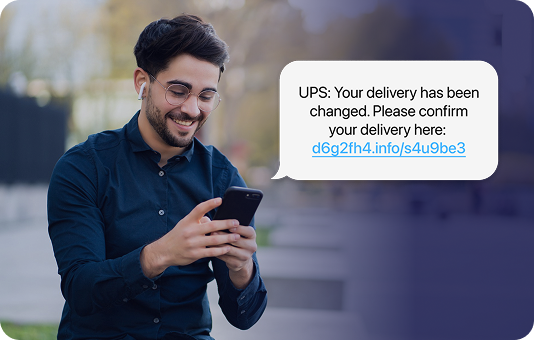
Use your brand name in the sender ID and the message itself, so customers do not confuse your update with a courier’s or a stranger’s. Customers have learned to be cautious about delivery-themed messages, so consistency and a recognizable domain for links help them trust that the update is real.
Common Mistakes to Avoid
- Sending updates from several unfamiliar sender IDs, which makes genuine messages look suspicious.
- Mixing promotional offers into delivery templates, which can break DLT rules and delay delivery.
- Sending tracking links that open a generic page instead of the customer’s own order.
- Forgetting exception messages. Customers forgive a delay far more easily when you tell them first.
Conclusion
Shipping and delivery SMS is one of the quickest wins in customer communication. It reduces “where is my order” calls, cuts failed deliveries, and builds trust with every parcel.
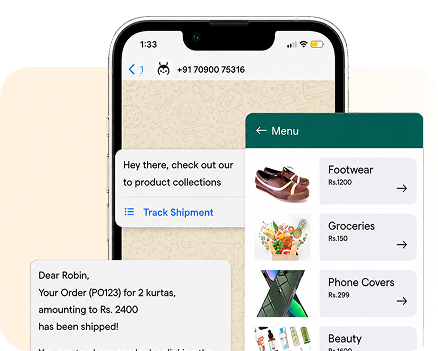
Growtele gives you DLT-ready templates, a simple SMS API, and delivery reports in one dashboard. When you are ready, you can extend the same journey to WhatsApp or RCS for richer tracking updates, with SMS as a fallback.
See how Growtele runs OTPs, alerts, and campaigns reliably at any daily volume.